Does Bright SDK dashboard offer reports API?
Does Bright SDK dashboard offer reports API?
Yes, we currently offer a reporting API , which allows you to integrate the revenue data into your own workflow and internal BI systems, perform automated analytics, etc.See the full guide below for details.
Example output:
Example request:Example output:Possible error answers:
Example request:Example output:Possible error answers:
Example request:Example output:
Bright SDK Public API
Prerequisites
- Get API access from your Bright SDK manager.
- Create an API key at your company profile page (this can be done by the company admin user).
Base API Endpoint
Authorization
Provide anapi-key header with the value of your given API key.Example:Methods
Apps List
GET /appsReturn value:| Field | Type |
|---|---|
name | string |
os | string |
uuid | string |
Revenue Report
GET /reports/basicParams:| Name | Type | Example |
|---|---|---|
app_uuid | string (optional) | ucf2fdfwsxducvj1 |
month | string (optional) | 2023-10 |
date | string (optional) | 2023-10-30 |
Revenue Report by Country
GET /reports/basic/by_countryParams:| Name | Type | Example |
|---|---|---|
app_uuid | string (optional) | ucf2fdfwsxducvj1 |
month | string (optional) | 2023-10 |
date | string (optional) | 2023-10-30 |
Revenue Report by Campaign
GET /reports/basic/by_campaignParams:| Name | Type | Example |
|---|---|---|
app_uuid | string (optional) | ucf2fdfwsxducvj1 |
month | string (optional) | 2023-10 |
date | string (optional) | 2023-10-30 |
How do I create a new appID?
How do I create a new appID?
In our dashboard, under the “apps” section click on “Add app”. In the following screen, choose the appropriate OS, and complete the fields below. You will then see your unique appID, which should be implemented in our app, and will serve as the identifier for any active device attached to your app.See the short video guide:
How can I analyze the funnel performance of my apps?
How can I analyze the funnel performance of my apps?
In our dashboard, under the “reports” section, you will see “Funnel analysis”.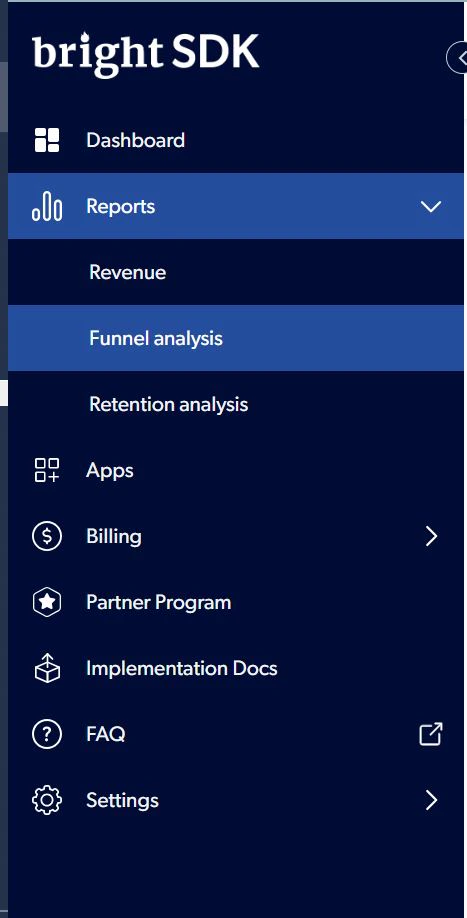
How can I add/remove more users to my Bright SDK account?
How can I add/remove more users to my Bright SDK account?
In order to let more users from your organization access the dashboard with all the knowledge and tools that it includes, please follow the next steps: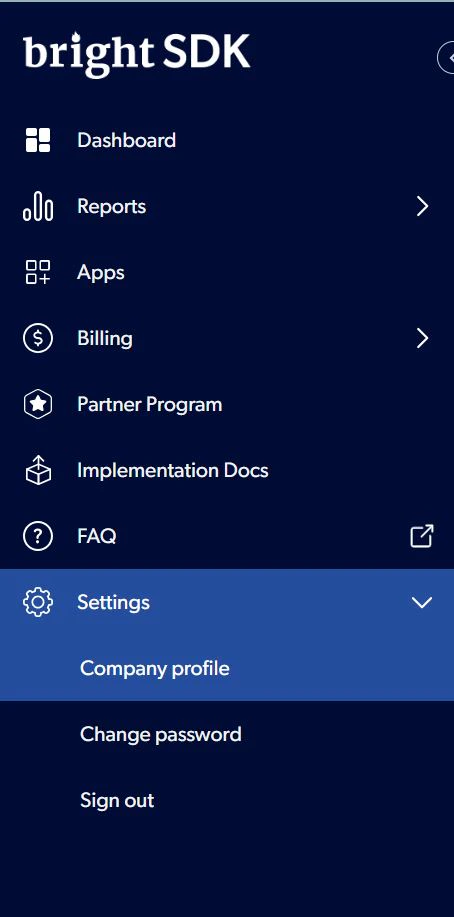
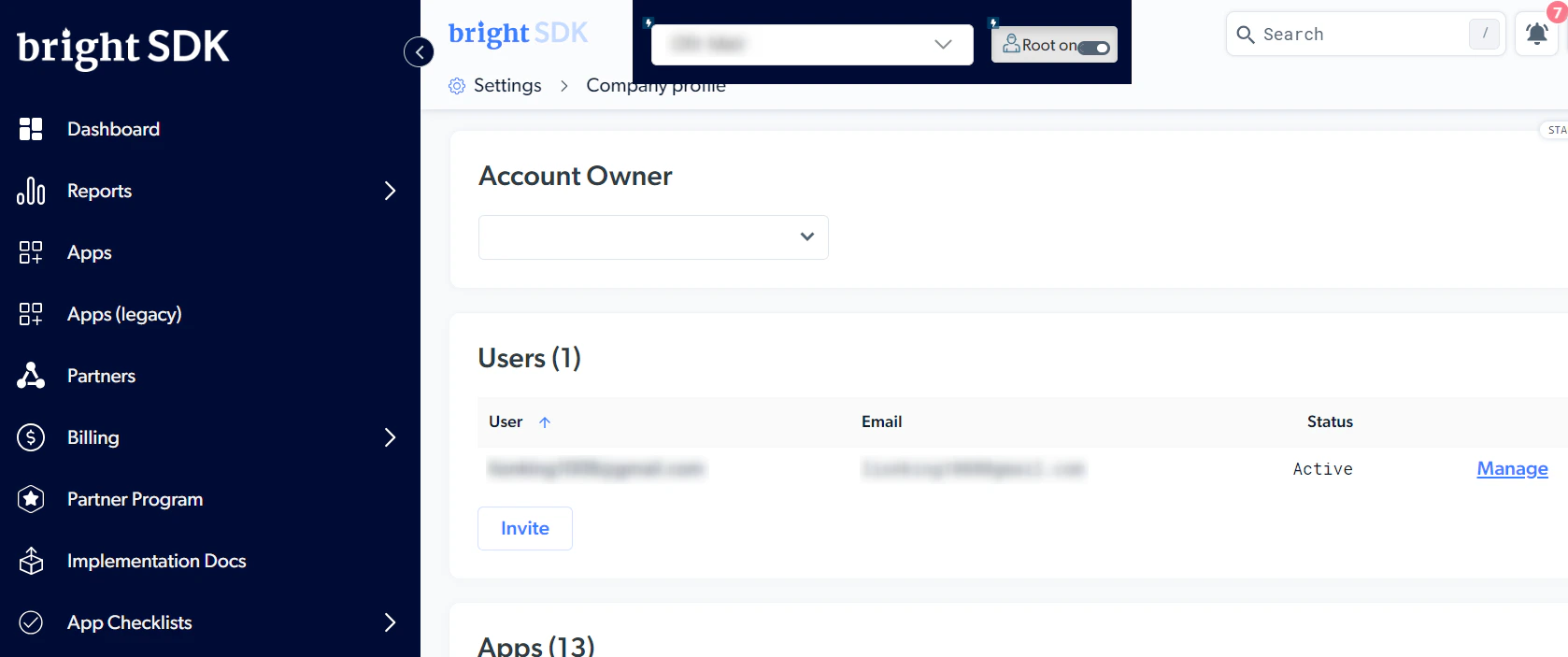
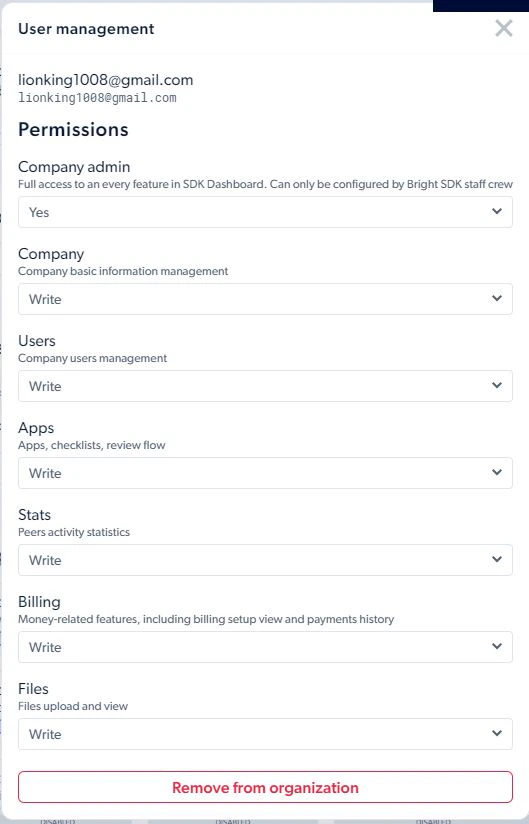
- Log in to Bright SDK dashboard (admin user or one who has users management privileges).
- Under “company profile” section, you will see “Users” title, that lists all users associated with your partner account.
- Click “Invite” in order to add a new user. The user will receive an invitation email that asks them to complete their registration (one-time only).
- Next to each user, click “Manage” in order to manage their privileges. This is where you decide which parts of the dashboard they can access, and whether it is to view or edit.
How do I access Bright SDK dashboard?
How do I access Bright SDK dashboard?
Once you register to Bright SDK here, you have access to our dashboard. One of our partnership managers will contact you to discuss partnership opportunities and get you started.
How do I see my revenue report?
How do I see my revenue report?
In our dashboard, under the “reports” section, you will see “Revenue” (screenshot below).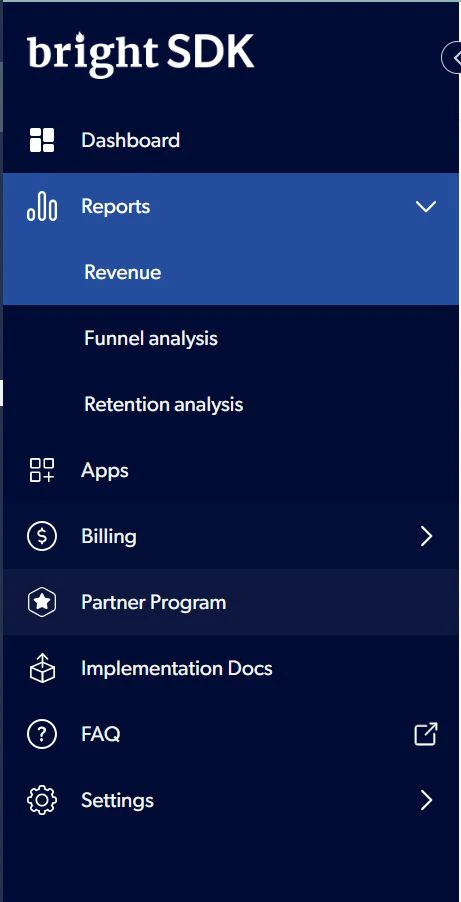
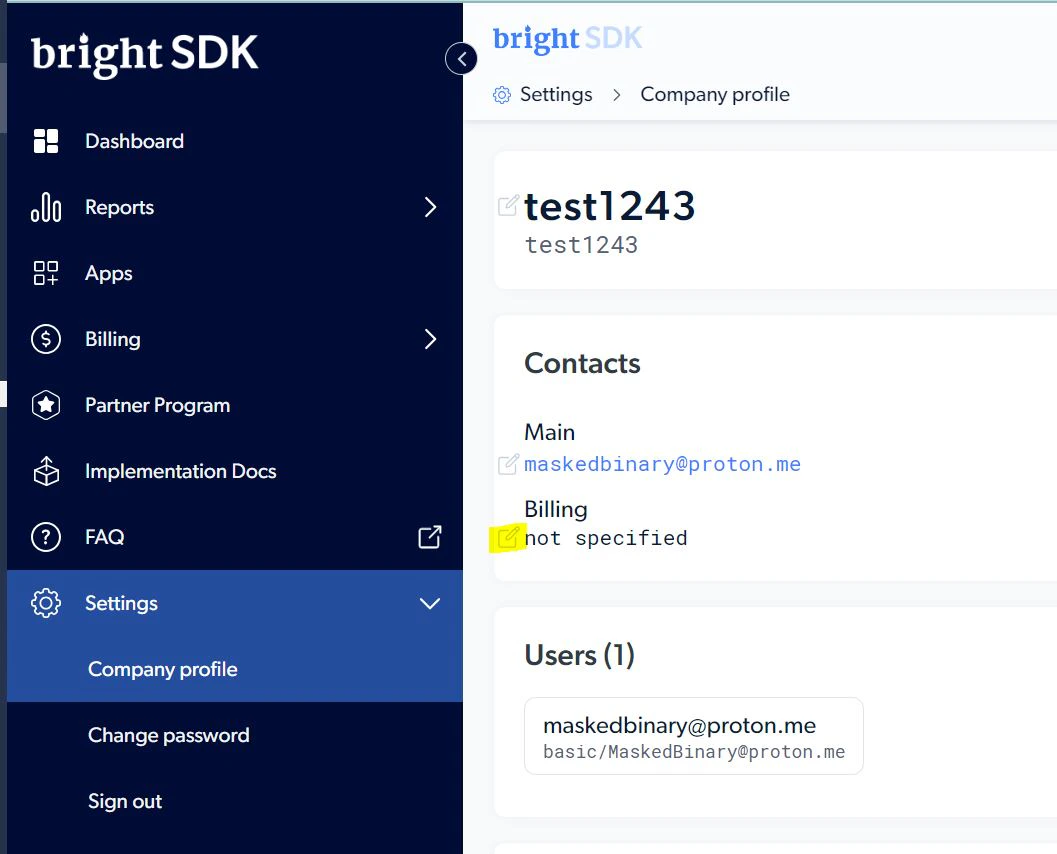
How do I edit the billing email?
How do I edit the billing email?
The billing email address is used for any communication around payment. Mainly for sharing the monthly invoice and payment information. It can be modified by going to settings -> company profile -> contacts.